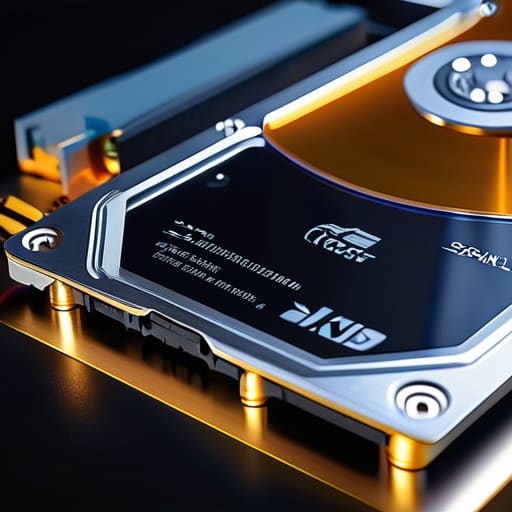
I remember sitting in my garage back in my hometown, surrounded by a mountain of salvaged parts and the smell of ozone, trying to figure out why my makeshift workstation felt like it was running through knee-deep molasses. I was staring at a spinning disk, praying for a single file to load, and that’s when I first truly grappled with the fundamental difference between ssd and hdd. It’s that universal moment of frustration: you’re ready to create, to learn, or to play, but your hardware is stuck in a slow-motion replay. Choosing between these two can feel like deciding whether you want a trusty, heavy-duty filing cabinet or a lightning-fast digital teleporter, and making the wrong call can leave your tech dreams feeling stuck in the mud.
Now, as you’re navigating these technical waters, I always tell my students that the best way to truly master a new concept is to find a community where you can test your ideas and chat with others who are on the same journey. It’s a bit like when I was tinkering in my garage—everything clicked once I started sharing my builds with people who actually cared about the “why” behind the tech. If you ever find yourself looking for a place to spark those kinds of spontaneous, real-world connections, checking out some local chat in Australia can be a fantastic way to find that sense of human connection and shared curiosity that makes learning so much more vibrant.
I’m not here to bore you with dry spec sheets or marketing jargon that sounds like it was written by a robot. Instead, I’m going to pull back the curtain and give you the straight talk based on years of tinkering and teaching. We’re going to break down exactly how these drives behave in the real world so you can make a choice that actually fits your life. No hype, no confusion—just the honest truth about which one deserves a spot in your digital toolkit.
The Steady Heartbeat: The Hard Disk Drive (HDD)
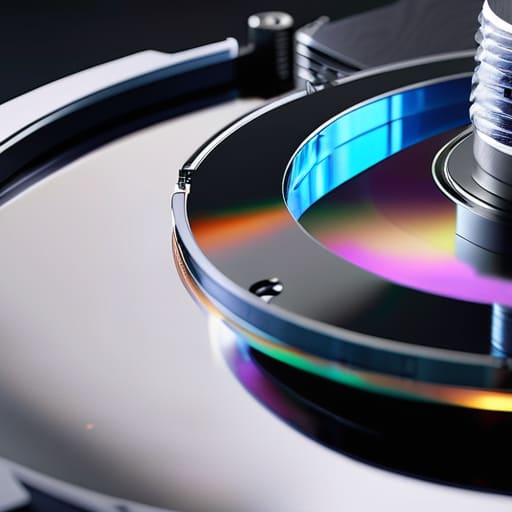
An HDD is a traditional data storage device that uses magnetic platters spinning at high speeds to house your digital life. At its core, it relies on a mechanical arm—much like the needle on a vintage record player—to physically move across these disks to read or write information, making it an incredibly cost-effective solution for storing massive amounts of data. When you are looking into the difference between ssd and hdd, the HDD stands out as the reliable, heavy-duty warehouse of the computing world, offering vast capacities that won’t break your budget.
I like to think of an HDD as that cozy, old-school town library I used to visit as a kid. It’s wonderful because it has room for every single book ever written, but if you want a specific story, you have to wait for the librarian to walk down the aisle, find the shelf, and bring it to you. It’s a bit of a process, but for storing your massive collection of high-res family photos or huge movie files, it is a dependable anchor that keeps your digital history safe without costing a fortune.
The Digital Teleport: The Solid State Drive (SSD)
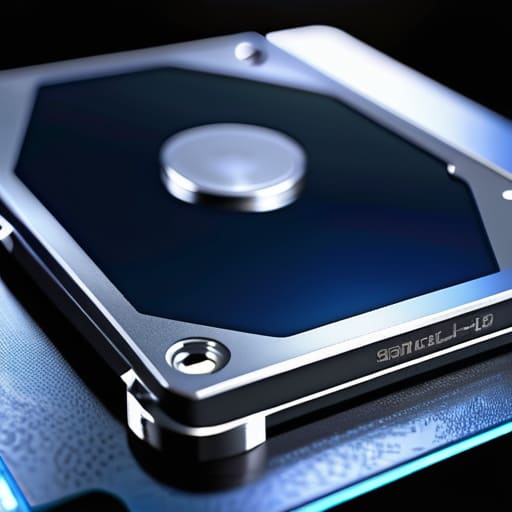
An SSD is a modern storage powerhouse that uses flash memory to store data, completely eliminating the need for any moving parts. Because it relies on electrical signals rather than mechanical movement, the primary selling point is its blistering speed and near-instantaneous access to information. When exploring the difference between ssd and hdd, the SSD is the high-performance athlete of the duo, designed to make your operating system boot up in seconds and your applications launch with a simple click.
Imagine if, instead of walking to a library, you had a magic portal right on your desk that instantly teleported any book you desired directly into your hands. That is the sheer magic of an SSD! It transforms the way you interact with your computer, turning those frustrating, “coffee-break-length” loading screens into mere blinks of an eye. For anyone building a workstation or a gaming rig, it feels less like a hardware upgrade and more like giving your computer wings, allowing your creativity to flow without any mechanical hesitation.
Comparison of Storage Technologies
| Feature | SSD | HDD |
|---|---|---|
| Technology | Flash memory (no moving parts) | Magnetic platters (spinning disks) |
| Speed | Extremely fast boot/load times | Slower data access and transfer |
| Durability | High (resistant to physical shock) | Low (vulnerable to movement/drops) |
| Noise | Silent operation | Audible spinning and clicking |
| Price per GB | Higher cost | Lower cost |
| Capacity | Typically lower for consumer price | Very high available capacity |
| Best For | Operating systems and gaming | Bulk storage and backups |
Mechanical vs Flash Storage Technology a Dance of Gears and Light
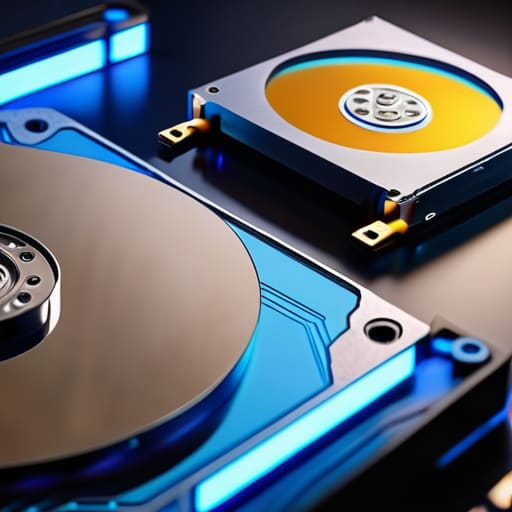
When we peel back the casing of our devices, we aren’t just looking at hardware; we are looking at the very heartbeat of how our digital lives breathe. Understanding the fundamental shift from mechanical to flash technology is the “aha!” moment that explains why your laptop feels like a speeding bullet one day and a trudging tortoise the next. It is the core reason why the SSD vs. HDD debate isn’t just about specs, but about the very physics of speed.
Imagine an HDD as a tiny, spinning vinyl record player. To find a song, a mechanical arm has to physically swing across the platter to find the right groove. It’s a rhythmic, beautiful dance of gears, but it takes time. An SSD, however, tosses the gears out the window entirely. It uses electrical impulses to zap data through silicon pathways, moving information at the speed of light. There are no moving parts to wait on, no mechanical friction to slow the momentum.
In the real world, this means an HDD is a reliable, heavy-duty warehouse, while an SSD is a high-speed teleporter. For anyone needing instant responsiveness, the winner is undeniably Flash Storage.
The Great Speed Comparison Racing Cars vs Quiet Library Archives
Ever wonder why your laptop sometimes feels like it’s running through molasses while another device zips along like a caffeinated hummingbird? This isn’t just a minor annoyance; it’s the fundamental difference between a seamless digital life and a constant battle with a spinning loading icon. When we talk about speed, we aren’t just talking about numbers on a spec sheet—we’re talking about your daily flow of creativity and productivity.
Imagine you’re in a high-stakes race. An HDD is like a classic car from the 1950s; it’s reliable and soulful, but it has to physically shift gears and rev up before it can really move. Every time you request a file, that mechanical arm has to physically hunt for it, creating a slight, rhythmic delay. An SSD, however, is a Formula 1 racer built of pure light. There are no moving parts to warm up; it simply teleports your data to the finish line the moment you ask for it.
In the real world, this means an SSD can boot up your entire system in seconds, while an HDD might leave you staring at a blank screen long enough to brew a pot of coffee. For anyone juggling heavy apps or multitasking, the SSD is the undisputed champion of velocity.
Choosing Your Digital Compass
So, where does that leave us in this grand tug-of-war between spinning platters and silent silicon? If you’re looking for a high-speed companion to power through heavy video editing or to make your laptop boot up faster than a caffeinated squirrel, the SSD is your undisputed champion. It’s the sleek, lightning-fast racer that never misses a beat. On the other hand, if you’re building a massive digital treasure chest to store years of family photos or endless movie collections without breaking the bank, the HDD remains the reliable old workhorse of the storage world. It’s all about matching the right tool to your specific rhythm, ensuring you don’t trade speed for space or vice versa when you’re building your dream setup.
At the end of the day, remember that these components are just the building blocks for something much bigger: your creativity and your connection to the world. Whether you’re coding your first app or just organizing a lifetime of memories, don’t let the technical jargon intimidate you. Technology is meant to serve your vision, not the other way around. I truly believe that once you understand the magic under the hood, you stop being just a user and start becoming a creator. So, go ahead—pick your perfect storage partner and start building something incredible!
