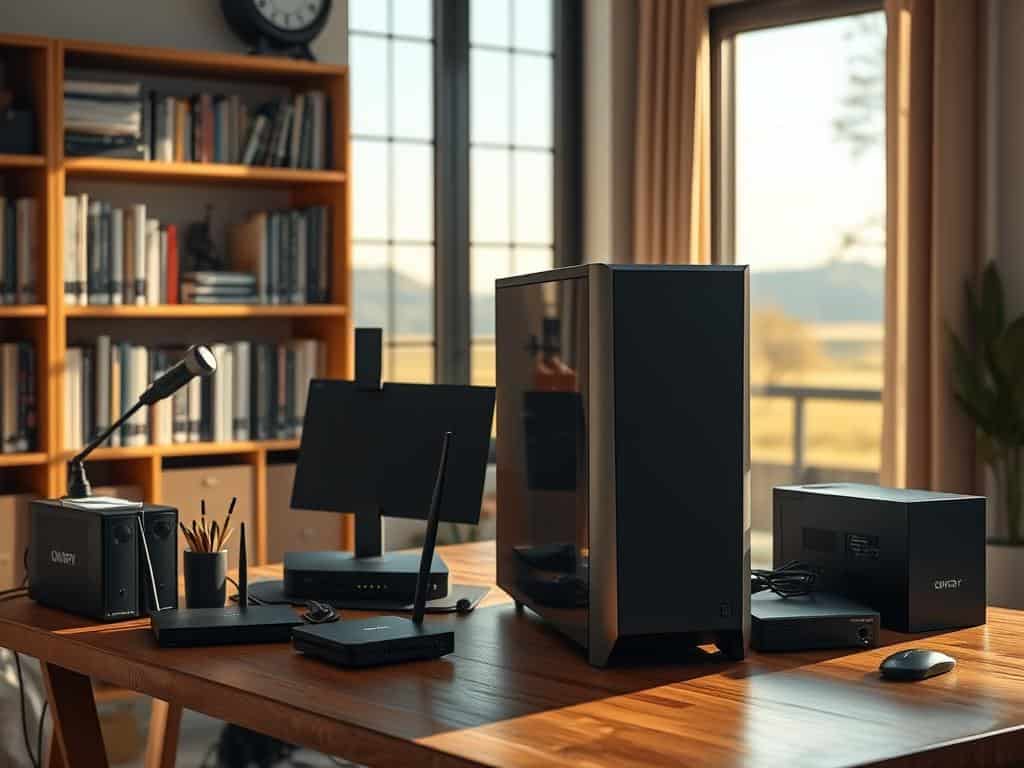
Setting up a home server was one of the best choices I ever made. I was juggling pictures, documents, and videos on different devices. After losing some cherished family photos, I knew I needed a better way to organize and secure my digital life. That’s when I started exploring home server setups.
This beginner’s guide is here to help you set up a home server easily. I’ll break down complex steps into simple ones. Whether you want a media center, to share files, or boost your home network, this guide will help. It covers the basics of hardware and software for your home server.
Key Takeaways
- Understanding what a home server is and how it works.
- Benefits of integrating a home server into your lifestyle.
- Choosing the right hardware for your specific needs.
- Learning how to install the operating system on your server.
- Tips for securing your home server effectively.
- Exploring different storage options for data management.
- Common use cases that maximize the advantages of a home server.
Understanding Home Servers and Their Benefits
A home server is a great tool for any tech-savvy home. It offers many benefits, like storing data and automating smart homes. Exploring this tech shows how it can make our daily computing better.
What is a Home Server?
A home server is a computer that offers services on a home network. It can host files, manage media, back up data, and run virtual machines. This makes it customizable to fit your needs.
Advantages of Setting Up a Home Server
Home servers have many benefits. They improve data security by keeping files local, away from cloud risks. They also manage smart home devices and make streaming media easier. This turns your home into a smart, efficient space.
Common Use Cases for Home Servers
Home servers are versatile. They can be a media center for streaming content with apps like Jellyfin. They also offer personal cloud storage for backing up important data. Tech fans use them to run smart home solutions, improving home automation.
How to Set Up a Home Server
Setting up a home server needs careful planning. You must pick the right parts and software for the best performance. This guide covers choosing hardware, installing an operating system, setting up networks, storage, and security.
Choosing the Right Hardware for Your Home Server
When picking hardware, focus on reliability and power. Using old laptops or desktops, like an HP or Lenovo, is a good idea. They usually have enough power for basic tasks. Use SSDs for better performance and less noise.
Think about what you need before picking parts.
Installing the Operating System
I suggest using a strong operating system like Linux. Ubuntu is great because it’s easy to use and has good support. Start by downloading the ISO and making a bootable USB.
The installation is easy, thanks to Ubuntu Desktop. It’s perfect for beginners.
Setting Up Networking for Your Server
A good network setup is key for your server. Wired Ethernet is more reliable than Wi-Fi. It’s faster and safer from hackers.
Give your server a static IP address and set up your router right. This keeps your server safe from outside threats.
Exploring Storage Solutions: NAS Setup vs. Home Server
Knowing the difference between NAS and home server is important. NAS is for sharing files, while a home server does more. Think about what you need and how it will grow.
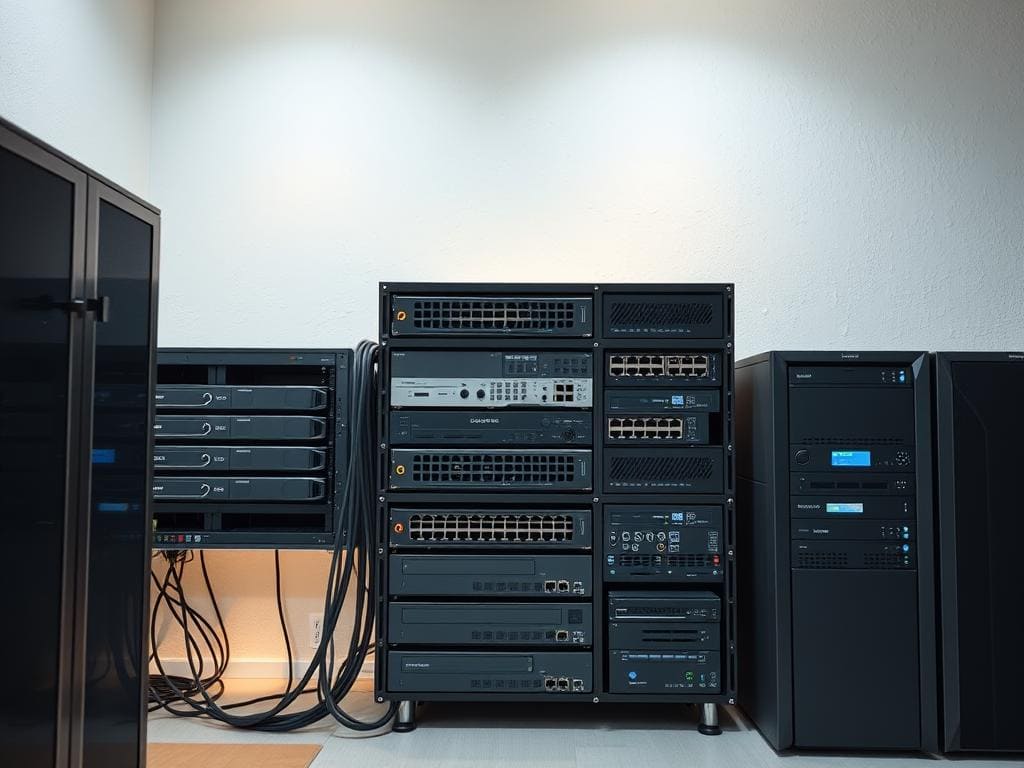
Securing Your Home Server: Networking Tips
Security is a must for your home server. Use strong passwords and keep everything updated. A VPN adds extra protection for remote access.
Use firewalls and only open necessary ports. These tips will help keep your server safe.
Conclusion
Setting up a home server might seem daunting at first. But, the benefits of better functionality and versatility are huge. I found that with the right hardware and an operating system, I could make a digital space that fits my needs perfectly.
When I looked into the setup, I realized security and networking were key. These steps helped me make sure my data was safe and my server ran smoothly. These lessons were key to making my home server work well.
If you’re thinking about getting a home server, this guide will help you start right. A home server can really improve your digital life. It opens up new ways to be creative and innovative.
